
If you’ve been sending money with Pangea for a while, you know that satisfying feeling of checking another transfer off your to-do list and knowing your family is taken care of. But have you ever wondered how those efforts add up over three months, six months, or a year?
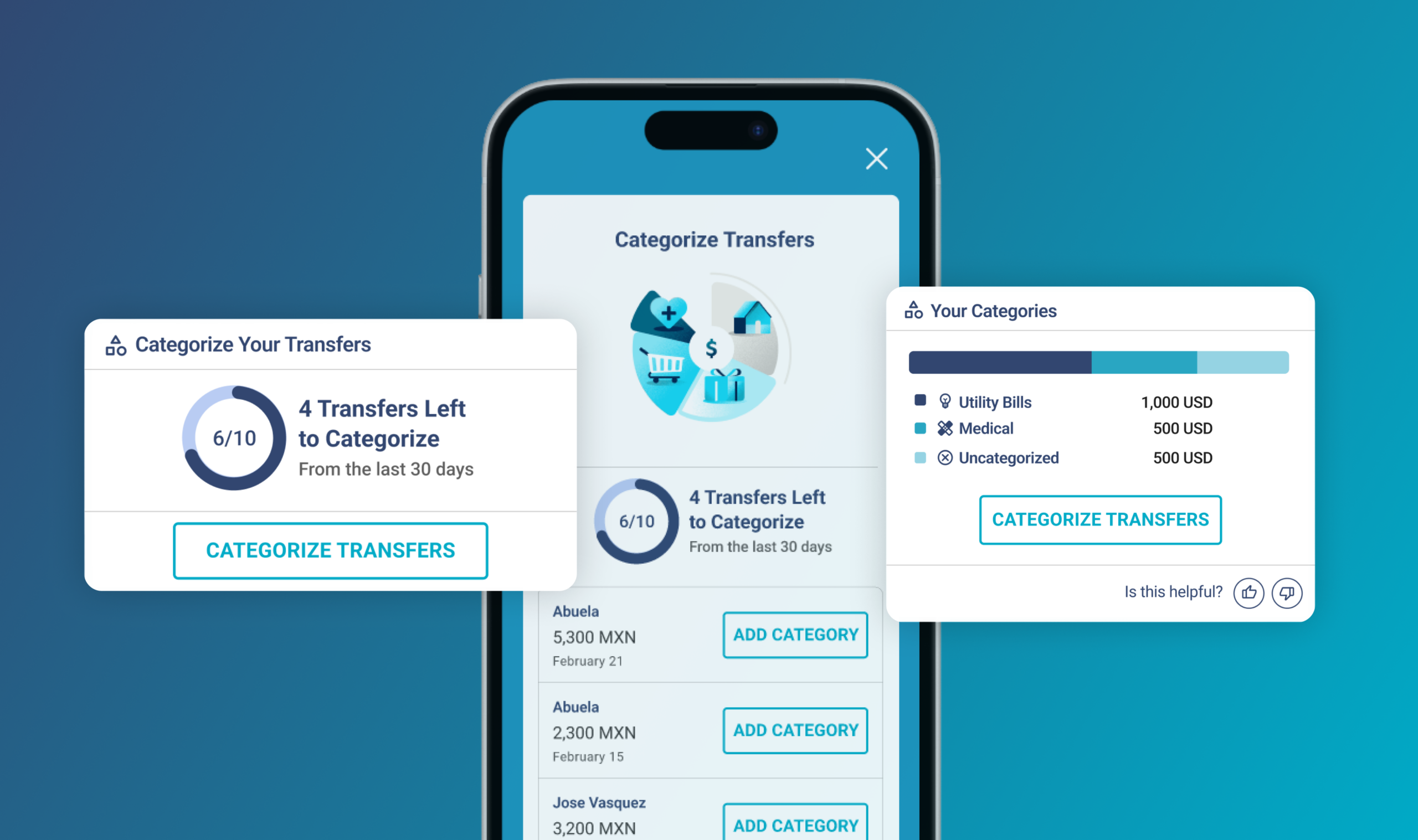
Earlier this year, we introduced the Pangea Dashboard: a built-in feature that automatically organizes your completed transfers into clean, visual charts. Instead of chasing down old receipts or manually typing numbers into a spreadsheet, the Dashboard gives you a clear snapshot of your total amount sent, your top receivers, and your monthly trends at a glance.
As you use it, you can add “Categories” (what the money is for) and “Relationships” (who you are supporting) to turn basic transaction numbers into a clear story of how you care for your family.
But we also know that life moves fast. When you’re sending money home in the middle of a busy workday, you might not always have the time to stop and categorize a transfer right after hitting send.
That’s why you can now keep your Dashboard updated on your own time, at your own pace. We’ve added flexible ways to manage your history, including home screen shortcuts, custom notes, and the ability to split categories.
Here is what’s new in your Pangea account.
1. Catch Up at Your Own Pace: The Home Screen Shortcut
If you skip categorizing a transfer right after sending it, don’t worry about losing track. We’ve made it incredibly easy to catch up on your recent history whenever you have a free moment.
- Below the FX Calculator: Right below the FX Calculator on your app home screen, you might notice a brand-new “Organize Your Transfers” section. It shows you exactly how many transfers from the last 30 days are ready to be categorized. One tap takes you to a dedicated screen where you can easily label them one by one in seconds.
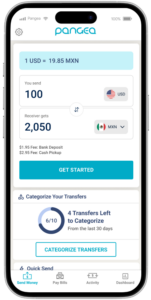
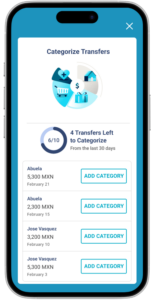
Note: We are currently rolling out this feature to our users! If you don’t see the “Organize Your Transfers” section under your FX calculator just yet, keep an eye out; it will be arriving in your account very soon
2. Update From Anywhere: Dashboard or Activity Tab
Managing your history is now integrated into the places you already use most.
- Directly on Your Dashboard: If you are looking at your charts and notice a transfer is missing a label, you can now tap and add categories right then and there.
- In Your Activity Tab: If you prefer to sit down and clean up your full pending list at the end of the month, you can head over to your Activity tab to see a clear list of all your uncategorized transfers in one place.
3. Add More Detail: Multiple Categories & Custom Notes
When you’re supporting family, a single transfer is often meant to cover a few different things at once.
- Split Categories: If you sent money that covers both a medical bill and groceries, you can now select multiple categories for a single transfer.
- Leave a Note: You can now type a personal Note on your transfers. Want to remember that a specific transfer was for “Sofia’s graduation gift” or “Mom’s dental checkup”? Just type it into the notes field so you never have to guess the story behind the number.
Your Dashboard, Even Smarter
You work hard for the money you send home, and managing it shouldn’t feel like a second job. Whether you prefer to categorize your transfers instantly, batch-organize them once a week from your home screen shortcut, or catch up at the end of the month in your Activity tab, the choice is entirely yours.
Ready to try out the new features? Log in to your Pangea app today to add your categories and custom notes, and see how your transfers add up!
DISCLAIMER – This content is for informational purposes only. Pangea and its affiliates do not provide legal, financial, investment or tax advice.